End Users
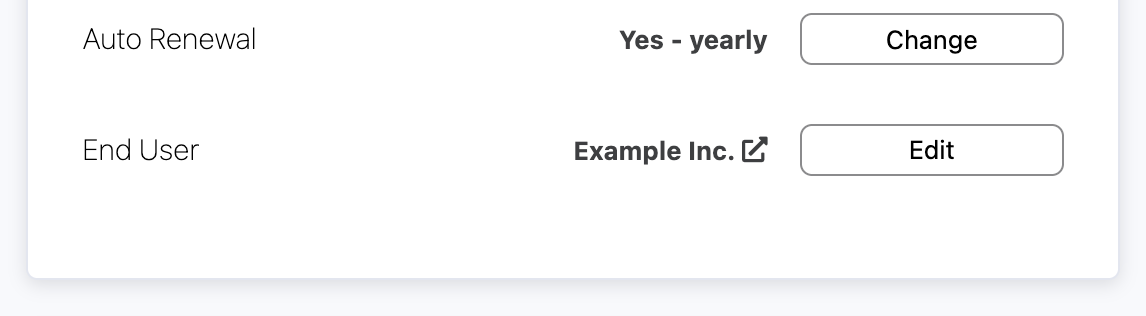
You can create End Users and assign domain names to them, allowing you to easily identify which domain name belongs to which End User.
If a domain name is linked to an end user, it will also show up in the Domain Report allowing you to easily sort/filter by End Users
View all Domains linked to an End User
- Login to the portal
- Domains > End Users, select the relevant end user
-
At the bottom of the page press the 'View linked Domains' button
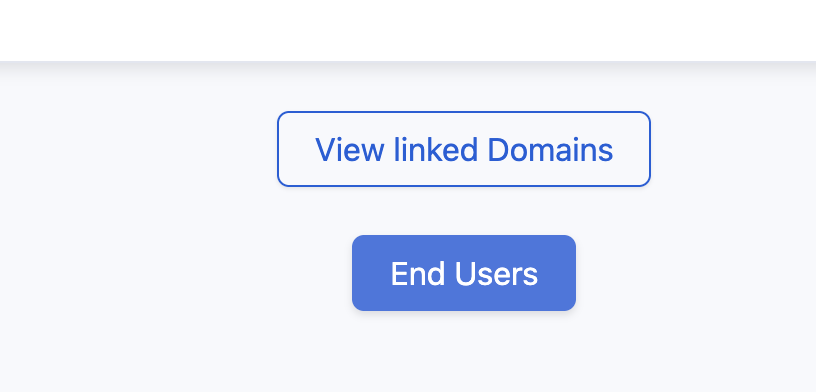
- This will show you all domains linked to this end user
Creating End Users
- Login to the portal
- Domains > End Users
-
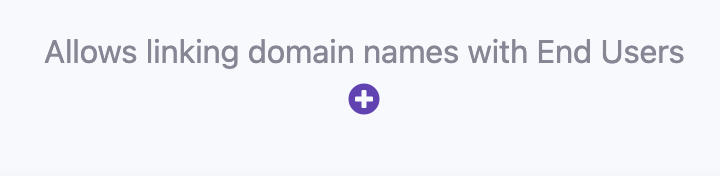
Press the + icon
- Fill in the form and press 'Create'
- Done
Link a Domain to an End User
- Login to the portal and click on the relevant domain name
-
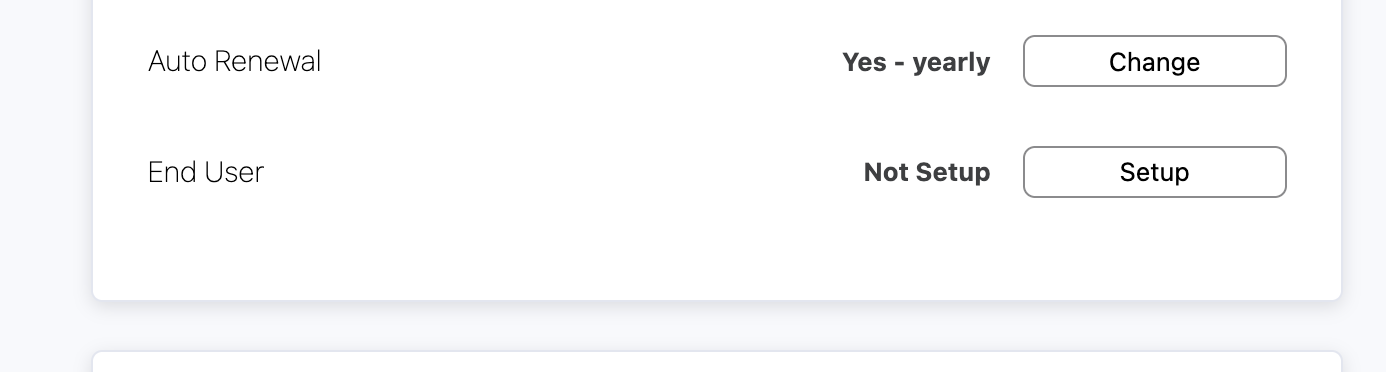
Under End Users, press the 'Setup' button (or 'Edit' if its already linked)
-
Start typing the End User name and select the desired one
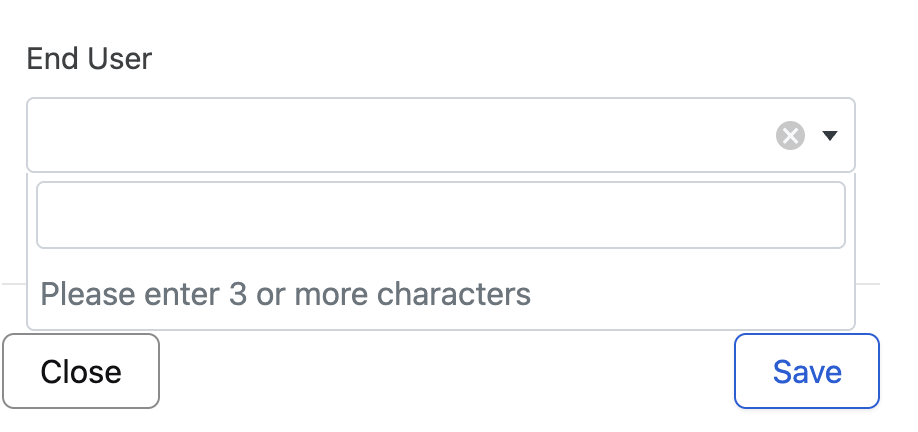
-
Press Save and refresh the page, it should now show you the linked End User