
Register a Domain
You can register a variety of domain name types through the portal.
Steps
- Login to the portal
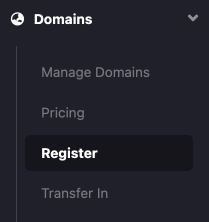
- Under Domains, select Register
- Fill in the domain name you are wanting to register,
after pressing "Check Availability" you will see the price and also if the domain can be registered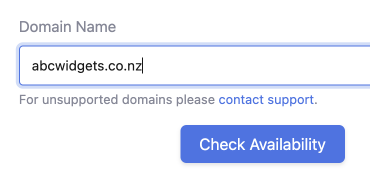

-
After pressing "Next" you will need to fill in the registrant details for the domain name
All fields (unless otherwise stated) are required

-
Once filled in, pressing the "Register" button registers the domain name and adds it to the portal to manage.
-
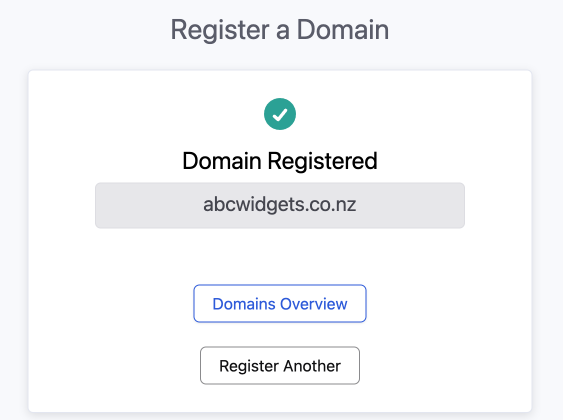
Success, your domain name is now registered with Auto-Renew turned ON.
You can now add it to your favourite DNS hosting provider and update the nameservers and manage other details.
